
 CalcBuilder example
Trip Fuel Cost & CO2
September 21, 2026

Live result on the frontend
The Trip Fuel Cost & CO2 calculator prices a journey and shows its carbon footprint. Pick a fuel, enter distance, consumption and price, and see what the trip costs per person and how it compares with the other fuel types.
What it calculates
A visitor picks a fuel type, enters a distance, consumption per 100 km, a fuel price and the number of passengers, and optionally ticks Round trip. The calculator returns:
- Energy and cost — litres or kWh used for the distance (doubled on a round trip) and the resulting cost, plus the cost per person and per 100 km.
- CO2 emitted — energy times the emission factor of the fuel: 2.31 kg per litre of petrol or hybrid fuel, 2.68 for diesel and 0.23 kg per kWh of electricity.
- Trees equivalent — the number of trees needed for a year to absorb that CO2, at about 21 kg per tree.
- Fuel comparison — paired bars for cost and CO2 across the four fuel types. The selected fuel uses the visitor’s own figures, the others a typical vehicle and price, with a sentence about the lowest-emission option.
How it’s built
A List field carries the fuel with its emission factor in every label, two Number fields take the consumption and price, and a Yes/No field doubles the distance. The PHP Code keeps a single table of factors, typical consumptions and typical prices and reads the selected row by its option value.
The comparison bars are built in a PHP loop with a small closure that scales each value against the largest one and returns HTML, which the Exit Layout prints with ##cmp_cost## and ##cmp_co2##. Yes/No fields have no “ticked by default” option, so a two-line script in the Form Layout ticks Round trip on load.
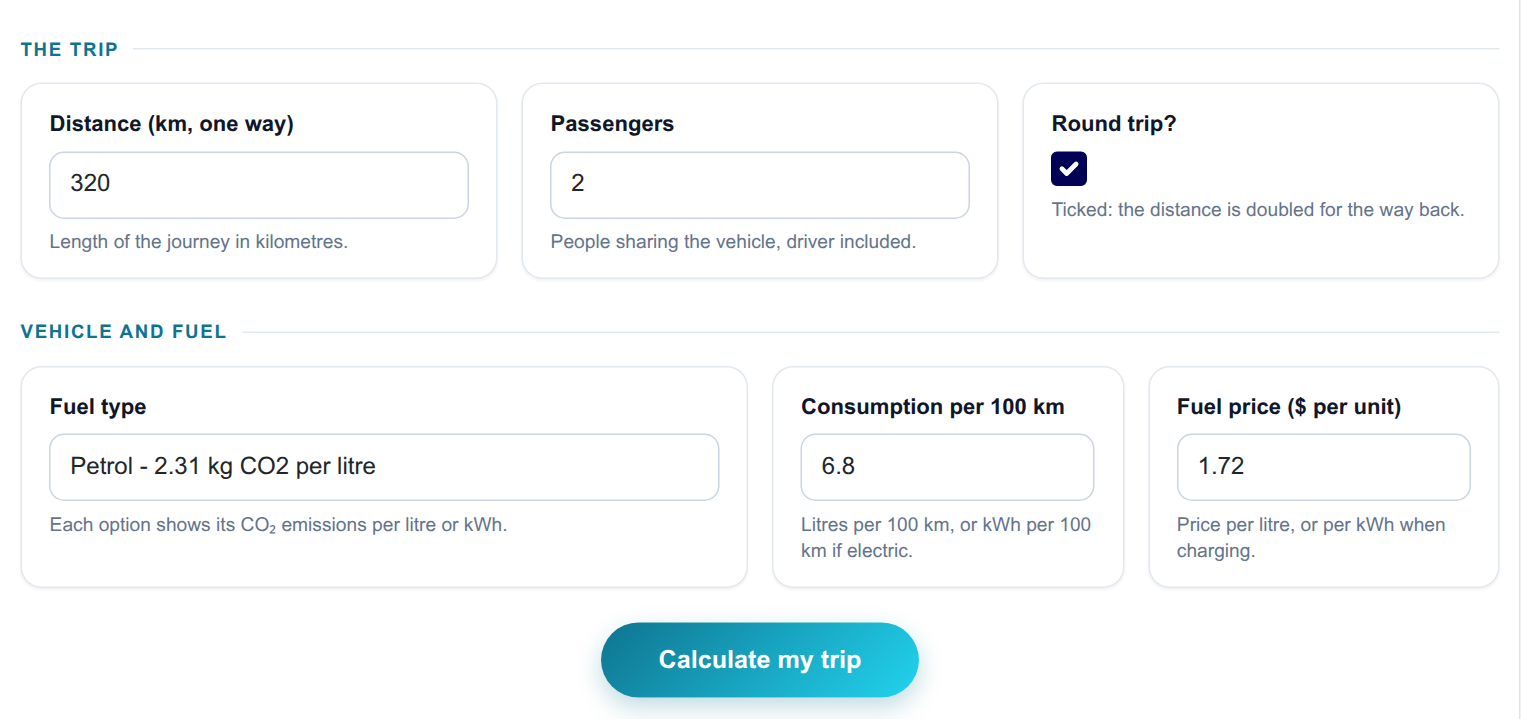
The input form as your visitors see it, styled with the Form Layout.
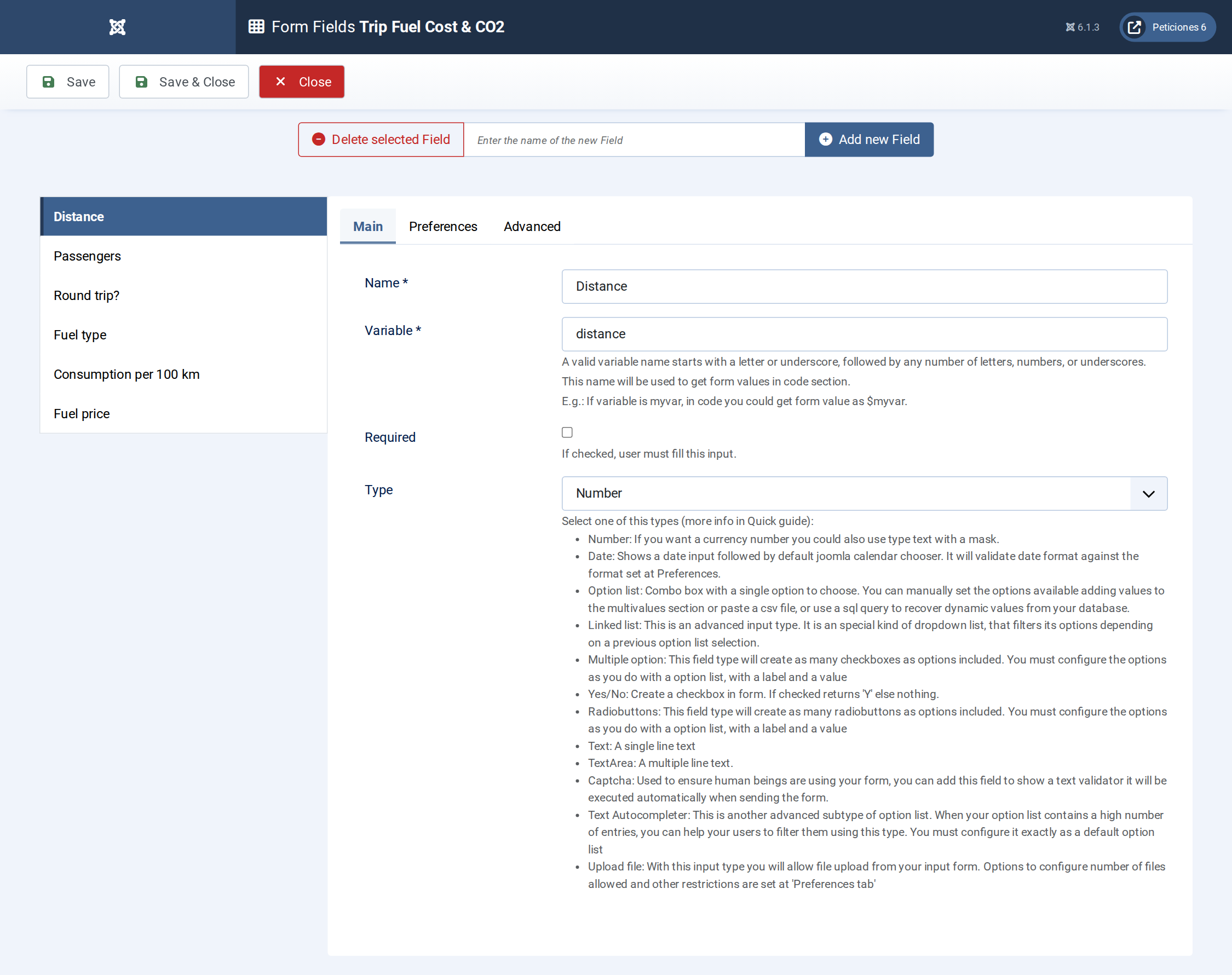
Six fields: a List for the fuel, Number fields for distance, passengers, consumption and price, and a Yes/No for the round trip.
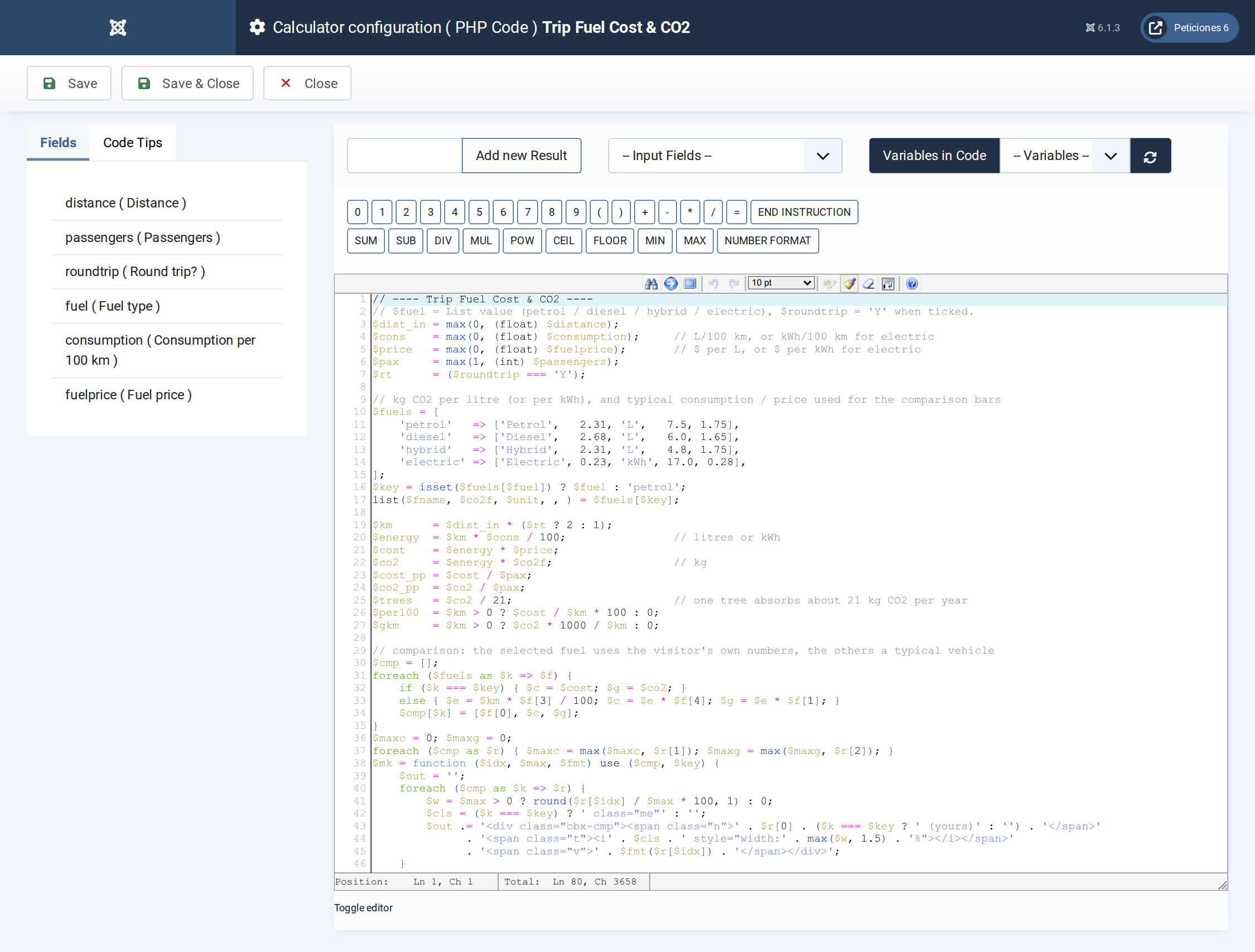
The PHP Code: fuel table, trip energy, cost, CO2, the comparison bar builder and the lowest-emission sentence.
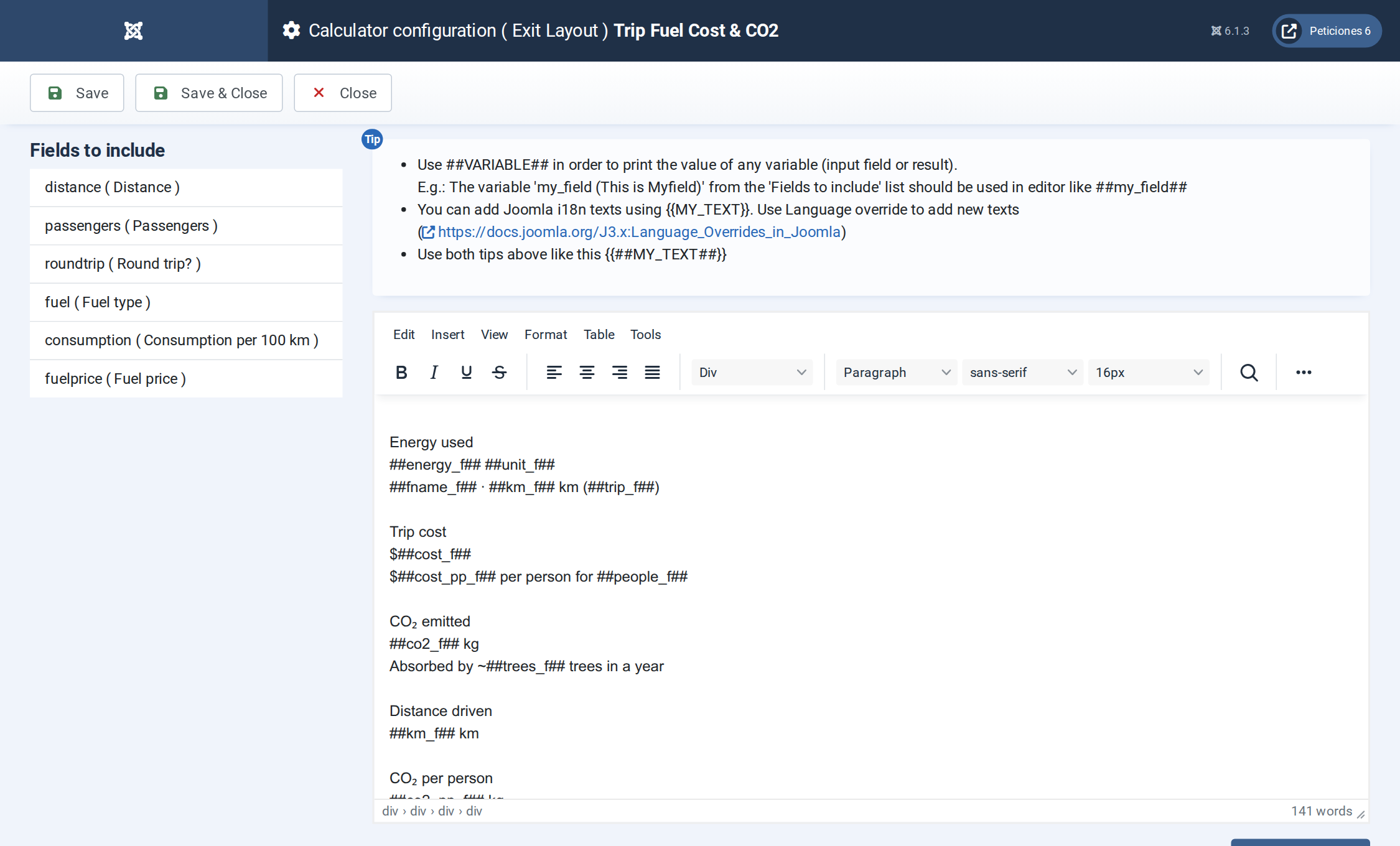
The Exit Layout: three hero cards, six metric cards and the side-by-side cost and CO2 comparison bars.
Want this exact example on your own site?
Download the file above, then in your Joomla admin open Components › CalcBuilder › Import and upload it — it's the same file you'd get from that component's own Export button, so it drops in as a ready-to-use, fully working copy in one step.