
 CalcBuilder example
Date Difference & Countdown
September 21, 2026

Live result on the frontend
The Date Difference & Countdown calculator measures the time between two dates in every unit people ask for: total days, weeks, calendar months and working days, shown as a countdown clock and a weekday chart.
What it calculates
A visitor picks a start and an end date, chooses whether the end date counts and which weekdays are working days. The calculator returns:
- Total days — the exact number of days in the range, plus the same figure as weeks and days and as hours.
- Calendar time — years, months and days worked out with real calendar months, not 30-day approximations.
- Working days — the days that fall on the chosen working week (Monday to Friday, Monday to Saturday or every day) and the remaining non-working days.
- Weekday breakdown — how many Mondays, Tuesdays and so on the range contains, drawn as bars with the working days highlighted.
How it’s built
Two Date fields feed the calculation, a Yes/No field decides whether the end date is included and an Option List selects the working week. The calendar shows dates as dd-mm-yyyy (for example 21-09-2026).
Calc Builder hands a Date field to the PHP Code as plain text and does not check it, so people can type anything. The PHP Code parses the text strictly with DateTime::createFromFormat, rejects impossible dates such as 31-02-2027 (they would otherwise roll over silently), swaps the dates when they are back to front and shows a friendly message instead of a result when a date cannot be read. Working days are computed from whole weeks plus a short remainder, so even a range of centuries returns instantly.
A Yes/No field that is not ticked arrives as N (ticked: Y), and it always starts unticked, which is why the option is worded as “Include the end date”.
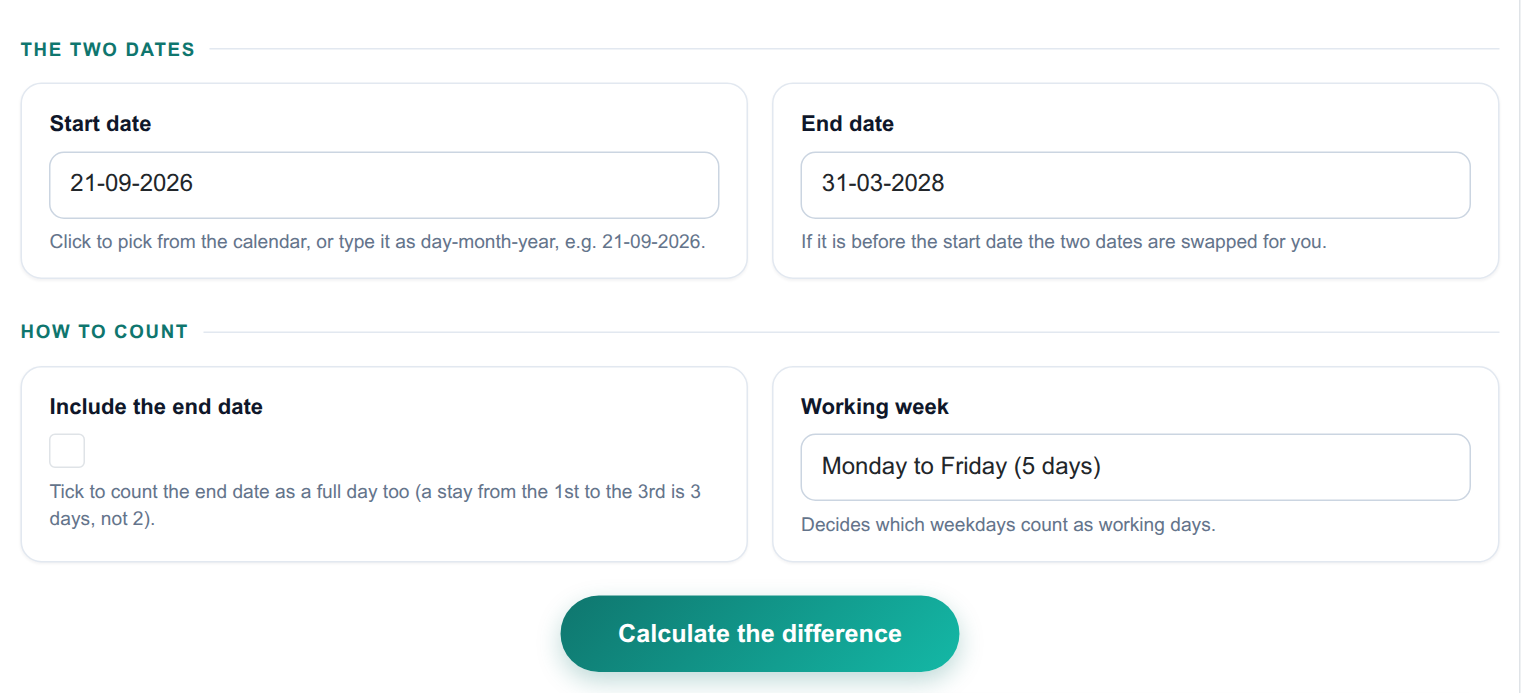
The input form as your visitors see it, styled with the Form Layout.
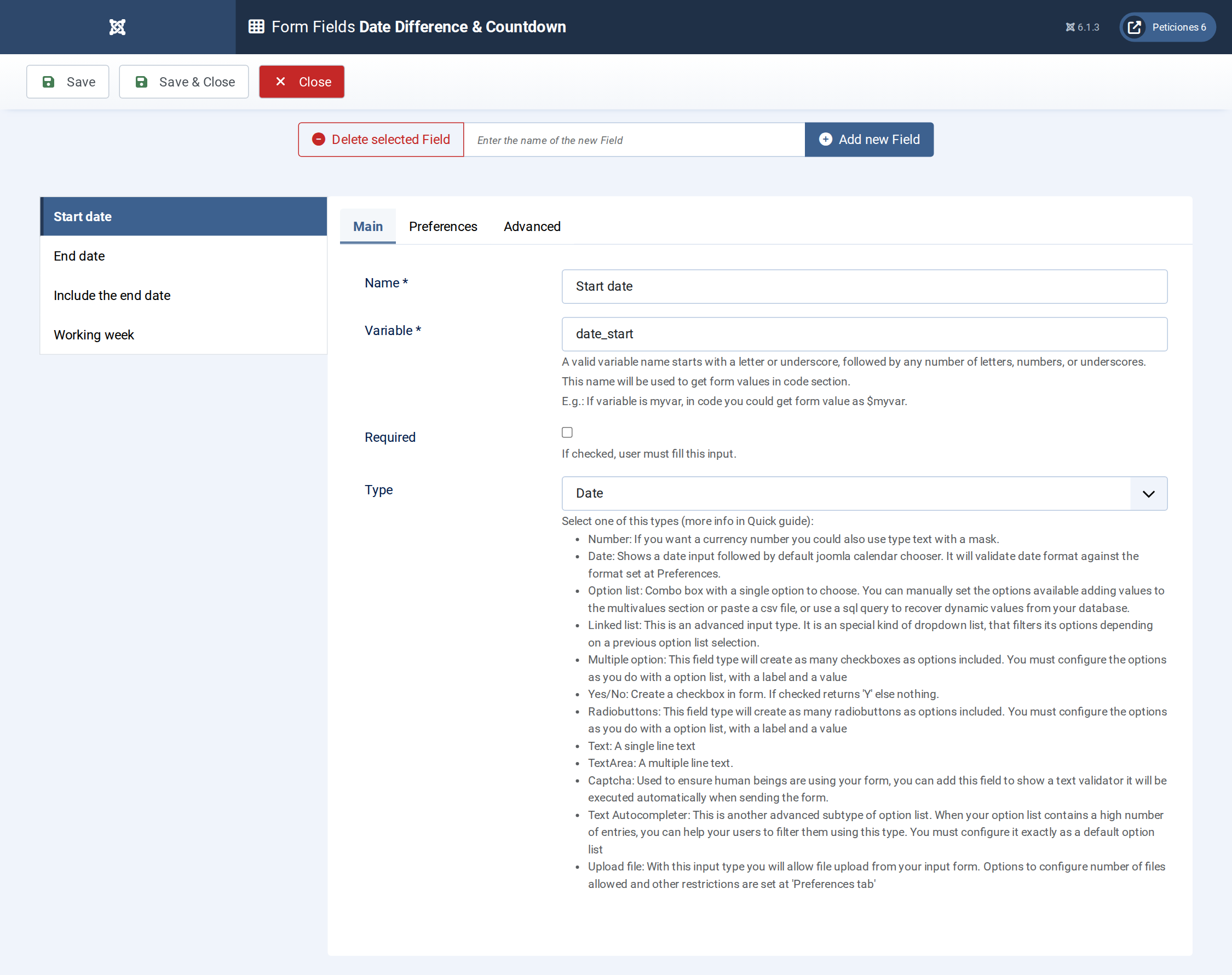
Four fields: two Date fields, a Yes/No field and an Option List.
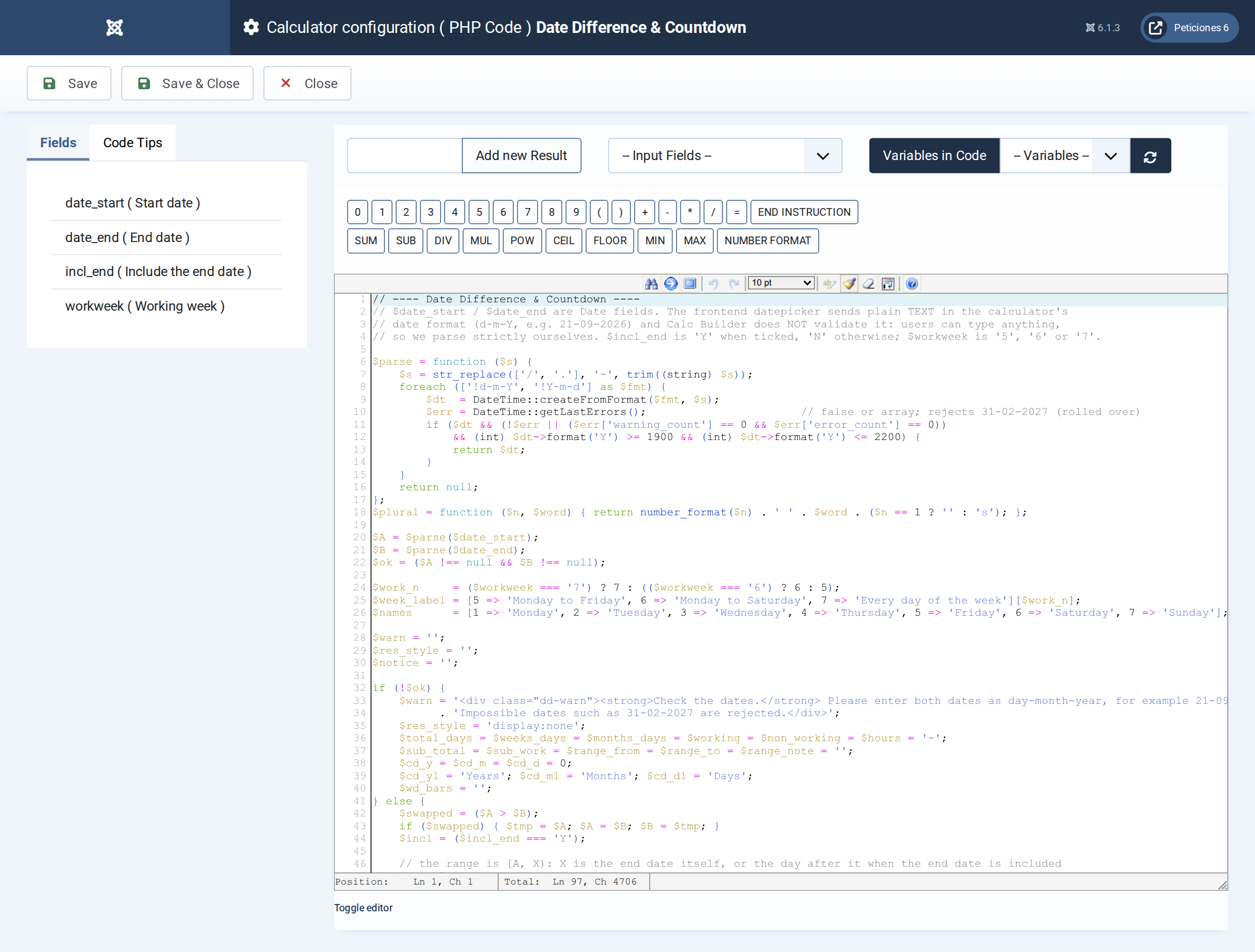
Strict date parsing, calendar-aware difference with DateTime::diff, working days from whole weeks plus a remainder, and the weekday bars.
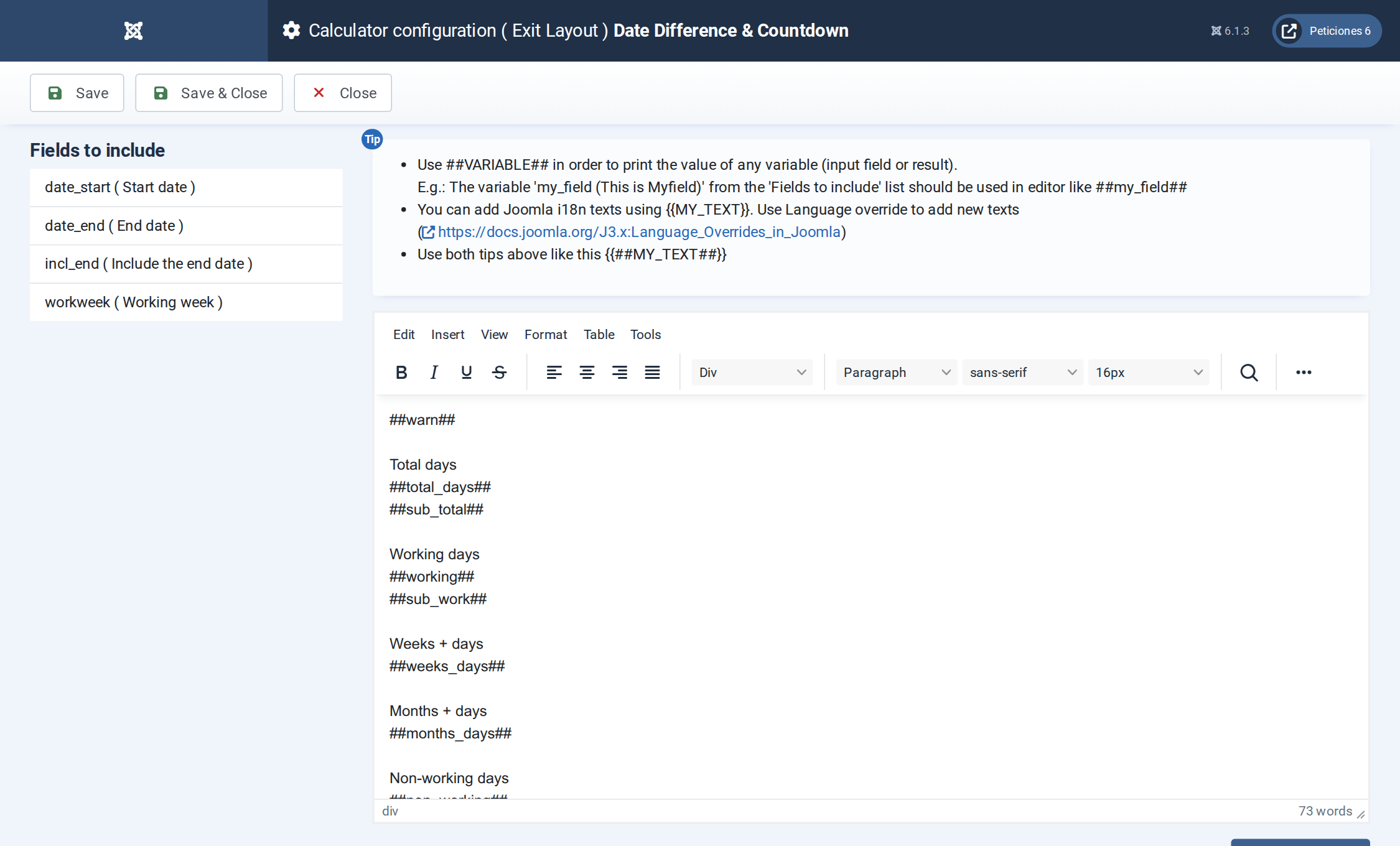
The Exit Layout: two hero cards, four metric cards, the period, the countdown clock and the weekday chart.
Want this exact example on your own site?
Download the file above, then in your Joomla admin open Components › CalcBuilder › Import and upload it — it's the same file you'd get from that component's own Export button, so it drops in as a ready-to-use, fully working copy in one step.